Free Master in Digital Marketing and Web Analytics

About Course
Master in Digital Marketing and Web Analytics – Tangier Academy The Master in Digital Marketing and Web Analytics course by Tangier Academy is a comprehensive program designed to equip professionals, entrepreneurs, and students with essential strategies and tools for modern digital marketing. This hands-on course covers everything from website creation and management to advanced search engine optimization and paid advertising strategies.
Course Content:
- WordPress: Learn how to create and manage professional websites without advanced coding skills.
- Ecommerce Website: Master the strategies to launch and manage successful online stores.
- Search Engine Optimization (SEO): Techniques to improve search engine rankings and drive high-quality organic traffic.
- Amazon Affiliate: Discover how to generate passive income through the Amazon Affiliate Program.
- Google Analytics: Gain insights into website performance using advanced analytics tools.
- Email Marketing: Develop effective strategies for customer acquisition and retention through email campaigns.
- Social Media Marketing: Learn how to create impactful social media campaigns to boost brand presence and audience engagement.
- Web Optimization: Techniques to improve website speed, usability, and user experience.
- Pay-per-click (PPC) Advertising: Master the art of creating and managing successful ad campaigns on platforms like Google Ads.
Why Choose Tangier Academy?
- 100% Free: This course is completely free, making quality education accessible to everyone.
- Practical Approach: Hands-on lessons with real-world examples for effective learning.
- Certification Included: Participants will receive an official Tangier Academy certificate upon completion.
- Beginner-Friendly: Suitable for both beginners and professionals looking to upgrade their skills.
Boost your career and empower your business with essential digital marketing skills. Become a digital marketing expert with Tangier Academy!
What Will You Learn?
- Know how to configure Wordpress for best results.
- Protect their Wordpress website from hackers and spammers.
- Create a Marketing Agency or Personal Brand Website and Rank It on Google.
- Understand plugins & themes and how to find/install theme.
- Create a static homepage useful for most websites, or a blog-like homepage useful for bloggers.
- Create a Responsive Website that looks good on any browser.
Course Content
Presentation
-
Intro to the Course
22:43 -
Master Objectives
02:25 -
How to present the tasks?
09:57
hosting and Domain
-
What is Web Hosting?
08:16 -
What is a Domain Name?
10:50 -
Choosing the perfect domain.
28:45 -
Buy the recommended Hosting by Tangier Academy
33:16 -
Send us the email you used to purchase the hosting.
-
Send us your domain name
-
Hostinger cPanel Setup
01:00:58 -
What to Do If You Made a Mistake with Your Domain Name
02:53 -
How to Register a Moroccan .ma Domain
13:33 -
How to Connect a .ma Domain to Hostinger
13:56
WordPress
-
Presentation and welcome to the module
01:38 -
What´s WordPress?
05:36 -
What do you understand about WordPress?
-
Examples of big brands using WordPress
05:27 -
Wordpess.com and WordPress.org
03:00 -
How to Access the WordPress Admin (WP Admin) Section of Our Website
04:45 -
The WordPress Dashboard
05:48 -
How to Delete a Website and Install WordPress from hPanel
07:17 -
General settings in WordPress
06:27 -
Writing settings
03:53 -
Reading settings
05:21 -
Comments in WordPress
19:39 -
Exclude obscene words and spam links in your comments
-
Media Settings
03:11 -
Permanent links
05:58 -
Set up your permalinks correctly
-
More general settings
03:45 -
Your Administrator profile
08:54 -
How to create an account in Gravatar?
17:15 -
Customize your administrator user data.
-
How to add more users in WordPress?
12:37 -
What are pages?
05:06 -
How to create a page?
03:11 -
How to Edit, Delete or Password Protect a Page in WordPress
04:29 -
The Gutenberg editor
32:12 -
Create your first page
-
Updates in WordPress
05:42 -
Full updates in WordPress
14:55 -
What are the Posts?
11:19 -
Categories and Subcategories of Your Posts
12:52 -
Tags
07:56 -
Excerpts
08:32 -
Featured image
08:04 -
How to create an Post with Hostinger AI?
16:54 -
Create your first post and categorize it
-
Media Library
10:26 -
How to add multimedia to your posts?
14:45 -
Add multimedia content to your first post
-
What are plugins?
17:17 -
Install and Configure a Security Plugin for Your Website
01:12:54 -
Activate a security plugin on your website
-
Activate SSL From CPanel
07:51 -
How to change your access link to the WordPress administration panel?
08:26 -
Automated backups
07:00 -
The focus of your website
03:48 -
Examples of sites focused as a business
14:37 -
Examples of sites with a blog focus
19:34 -
Define whether your site will be focused on a business or a blog
-
What are the themes?
04:39 -
how to install themes quickly?
15:11 -
How to install themes downloaded from external sites?
14:34 -
what is the child theme
13:05 -
How to choose the ideal theme for your project?
29:08 -
Activate a modern theme on your website
-
Define the fonts you will use on your website
15:21 -
Define your color palette
14:43 -
Set the full width of your pages
06:54 -
Define your buttons color and styles
14:15 -
Your first logo
23:11 -
Your favicon
08:48 -
Install and Configure Spectra (Site Builder)
13:36 -
Install and Configure Astra Starter Templates
09:07 -
Install and activate Spectra and Astra starter templates
-
Creating the Home page
01:55:43 -
Define Your Homepage
02:26 -
Install and Configure Elementor (Site Builder)
21:18 -
Install and configure Premium addons and essential addons for elementor
11:16 -
Creating Home Page With Elementor
02:13:03 -
Create Your Homepage and Define it for Your Site
-
Creating the Services page
01:07:05 -
Creating the single service page
01:26:50 -
Creating the About page
18:11 -
Show us Your About Us Page
-
Creating the Contact page
17:02 -
Creating a Spectra contact form
27:19 -
Creating a form with Contact Form 7
49:59 -
How to Configure Easy WP SMTP for Secure Form Delivery
08:09 -
Add a reCAPTCHAor Cloudflare Turnstile to your site
13:37 -
Creating the Blog page
02:40 -
What are Legal pages
08:15 -
Creating the policy privacy page
09:47 -
Install and Configure Complianz for Cookie Management
19:01 -
How to create a Professional Terms and Conditions Page
18:35 -
Create and customize your legal pages
-
How to Configure a Cookie Banner for Your Website
10:00 -
Activate the cookie banner on your website
-
How to Design and Set Up Menus on Your Website
08:49 -
Setting Up Submenus: Organizing Your Website Navigation
13:12 -
Creating a Menu for Legal Pages
06:24 -
Add a menu to the website header.
-
Creating and Customizing Your Website Footer
24:37 -
Activate the footer on your entire website
-
Link all the buttons on your site
07:37 -
What Is a Sidebar? Understanding Its Role in Website Design
04:29 -
How to Add and Customize Widgets on Your Website
13:27 -
Customize your sidebar
-
What Are Breadcrumbs?
05:20 -
Customizing Your Blog Page
05:57 -
Customizing Your Single Post Page
10:02 -
Setting Up a Scroll to Top Button: Improving User Experience
04:07 -
End of the module and conclusions
05:03 -
Show Us Your Website!
Woocommerce
-
Install and Setup a plugin to turn your website into a store
26:01 -
How to add new product
17:01 -
How to Add a New Variable Product
19:18 -
Add a product block to your Home page
29:51 -
Create a menu for your store
08:56 -
Add a cart button to your header
21:42 -
Add the store menu in the footer of your website
00:00 -
How to delete all WooCommerce data as a Professional
13:09
SEO Search Engine Optimization
-
RESOURCE: Module Slides
-
Module Objectives
-
Free SEO Tools to Use in this module
-
What Is SEO?
-
What do you understand by SEO? How can it help your business?
-
What Is SEM?
-
What do you understand by SEM? How can it help your business?
-
Our Competitors
-
What Are Keywords?
-
Keywords in Domains | Exact Match Domain (EMD)
-
Make a list of 20 keywords on how you would like people to find you online
-
Metadata
-
What Is a Meta Description?
-
What Is a Slug?
-
How to Set Up Your Slugs Correctly for SEO
-
Show us the slug settings you have implemented on your website.
-
What Are Rich Snippets?
-
How to Add Rich Snippets to Your Posts
-
H Headings and Their Classification
-
Responsive Design
-
Optimizing Responsive Design on Your Website
-
Verify That Your Website Is Responsive
-
Show us the responsive status of your website.
-
The Importance of Blogging
-
Examples of Successful Blogs
-
Content Ideas for E-commerce
-
Content Ideas for Personal Branding
-
How to Find More Content Ideas
-
Your Keywords
-
How to use google keyword planner?
-
Create a list with at least 20 titles for your upcoming blog posts.
-
Validate the Keywords You Plan to Use
-
Show us a keyword validation you have performed.
-
Create the Necessary Categories in WordPress
-
Create the necessary categories in WordPress according to your business.
-
Websites for Downloading Free and Copyright-Free Images
-
AI for Generating Images
-
How to Optimize Your Images in WordPress.
-
Add text alt to your images
-
AI for Generating Text (ChatGPT)
-
AI for Generating Text (Claude.ai)
-
Guide to Creating Blog Content with AI
-
Create your first 3 posts on the topic of your choice, and publish them.
-
Connect Your Website to Google Search Console
-
Show us your Google Search Console Dashboard.
-
Connect your website to Google Analytics
-
Show us your Google Analytics Dashboard
-
Installing and Configuring the Rank Math SEO Plugin
-
How to Edit Your Meta Descriptions
-
Edit the metadata of your first post.
-
Assign a different category to your published posts.
-
How to Optimize Your Homepage for SEO
-
What Is Schema and Why Is It Crucial for SEO?
-
Show us your optimized homepage for SEO
-
What Is CTR and Why Is It Important to Measure It?
-
What Is a Sitemap and Why Is It Useful?
-
Add your sitemap to Google Search Console.
-
Creating a robots.txt file for search engines.
-
What is HTTPS and Why Is It Important for SEO?
-
Why is it important to use HTTPS for SEO? What other benefits does it have?
-
How to Analyze Your Competitors
-
Create a list of at least 10 competitors you have on the web.
-
What Are Backlinks and Their Importance in SEO?
-
How to Create Backlinks for Your Website
-
How to Analyze Your Website’s Backlinks
-
How to Remove Negative Backlinks
-
Optimizing Your Website’s Loading Speed
-
Show us your settings configured in LiteSpeed Cache.
-
How to deal with 404 pages
-
Create a redirect of a broken page
-
What is a canonical tag and how to use it?
-
What Is a CDN and How to Use It?
-
Connect your website to Cloudflare.
-
Your Website’s Performance Score
-
Show us your website’s score using the Google PageSpeed tool.
-
End of Module and Conclusions
-
Show us Your Website
SEO International
Coming Soon
Google Analytics GA4
Coming Soon
Web Optimization
Coming Soon
Email Marketing
Coming Soon
Social Media Marketing
Coming Soon
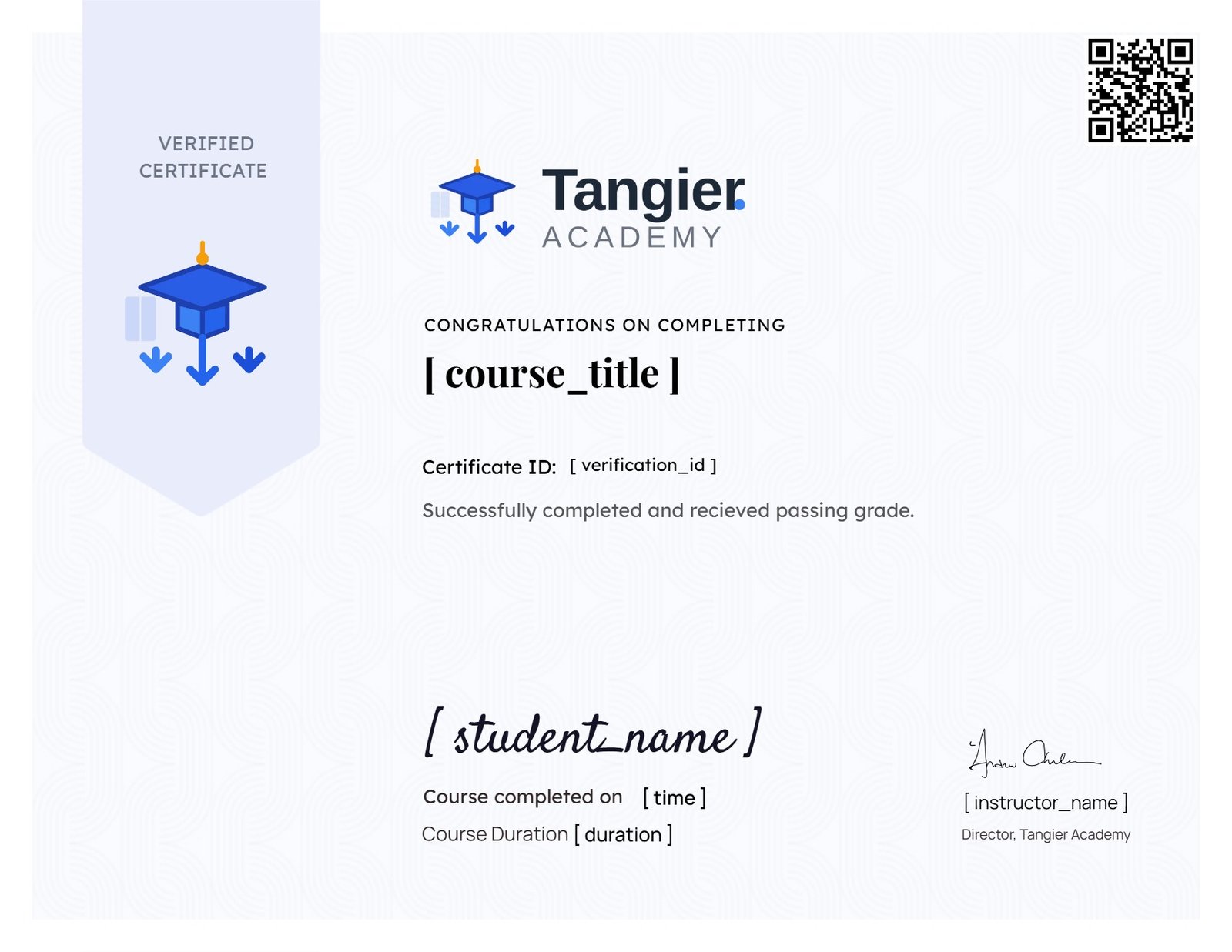
Earn a certificate
Add this certificate to your resume to demonstrate your skills & increase your chances of getting noticed.
Student Ratings & Reviews

No Review Yet